

How Snake KeyLogger Works
Snake KeyLogger is a keylogging trojan that has been sold for years, and its feature set is blunt and direct: record keystrokes, take periodic screenshots, steal the clipboard, then send everything it collects to an attacker-registered mailbox over SMTP.
Why SMTP? Because outbound traffic on port 587 is far too common on enterprise networks — any mail client, any notification service may use it. Compared with HTTP exfiltration, the SMTP channel has a much bigger monitoring blind spot.
Detection Signals for Exfiltration Traffic
Signal 1: Unexpected SMTP Sessions
On a normal office network, SMTP traffic is concentrated on a handful of mail servers. If the capture shows an ordinary office host connecting to unfamiliar ports 25/587, it goes straight onto the suspect list.
Signal 2: Anomalous Authentication
SMTP exfiltration requires logging in to the attacker's mailbox. Look at the username in the AUTH exchange (plaintext or base64-decodable) — an unfamiliar email address performing SMTP AUTH is almost certainly the trojan "logging in to the sender's mailbox".
Signal 3: Recipient and Content Characteristics
Unfamiliar recipients in the DATA phase, suspicious subjects (random strings, empty subject), and a body that is concatenated keystroke text — both Base64 attachments and plain text have been seen.
Signal 4: Direct-to-IP with No DNS
The most practical signal: a normal SMTP client always queries DNS for the mail server's domain name first (the MX record or a configured hostname). If the capture shows a host initiating a 587 connection directly to an IP address with no DNS queries at all, the IP is hardcoded in the trojan's configuration.
How-to: Identifying the Compromised Host
Step 1: Open the pcap and look at the session list. PcapDecoder's session statistics sort by traffic volume and connection count, so anomalous SMTP sessions float straight to the top of the list — especially those that are "small in volume but persistent".
Step 2: Filter SMTP traffic for a closer look. Select SMTP/TCP 587 in the protocol filter and review each session:
- Is there a preceding DNS query? (None = hardcoded IP)
- Who is logging in via AUTH?
- Who are the recipients? What is the message size and frequency?
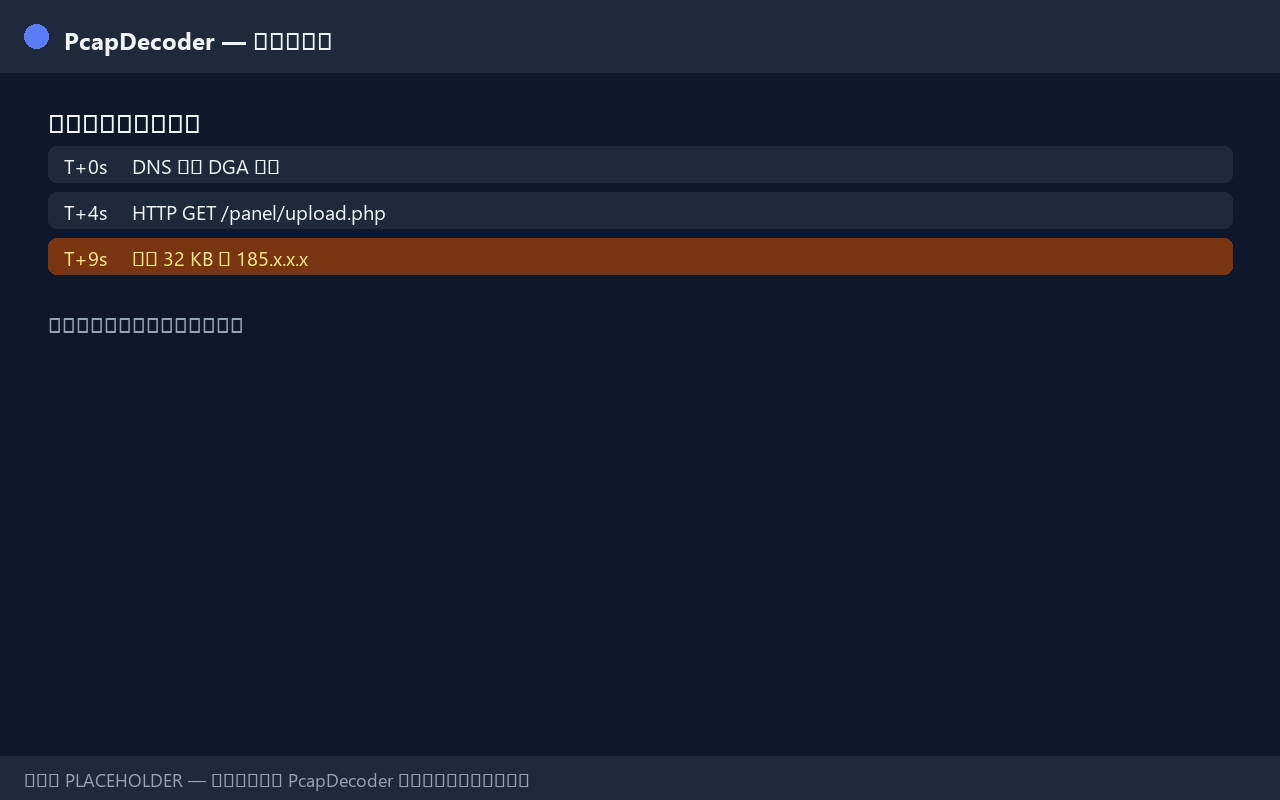
Step 3: Read the attack timeline. Put the exfiltration actions back onto the same timeline as the host's other behavior (downloads, executions, lateral movement attempts) to reconstruct the infection timeline.
Real-Sample Verification
The Malware Traffic Analysis 2024-09-16 sample is the complete infection traffic of Snake KeyLogger. Tested with PcapDecoder:
- DNS extraction: the sample's legitimate queries (dyndns, geoip, telegram, etc.) are correctly identified as benign;
- SMTP exfiltration: the victim exfiltrates via a direct connection to port 587 of 208.91.199.223 — no DNS resolution, TLS-encrypted, matching the classic hardcoded-C2 pattern;
- DGA precision guardrails: the deep scan produced zero false positives on the sample's legitimate domains — keylogger traffic is mixed with a large volume of normal queries (geoip-type services), and false positives would bury the real alert.
Forensics and Response
- Preserve evidence: compute and record the SHA-256 of the pcap file; every subsequent conclusion references this hash;
- Identify the host: locate the compromised terminal by its internal source IP, isolate first, investigate second (disconnect from the network or VLAN-isolate; do not power it off — preserve the memory scene);
- Rotate credentials: every password the user typed on that host — email, VPN, business systems — must be treated as compromised and force-reset;
- Archive IOCs: push the exfiltration IP, SMTP account, and sample hashes into the threat intelligence library and run full-period retrohunts for other compromised hosts.
The harm of a keylogger trojan is not "the machine is controlled" — it is every credential has been taken. The core response action is rotation, not antivirus.
Related reading: NetSupport RAT Traffic Identification, How to Detect Formbook's DGA Domains.