
ON-DEVICE PACKET ANALYSIS
PcapDecoder
From packets to conclusions — not just bytes
PcapDecoder is an on-device packet analysis and security forensics tool for phones and tablets: 40+ protocols dissected to field level, C2 beacon and DGA domain detection, certificate-chain validation, SHA-256 evidence hashing, and full attack-chain timelines — all computed locally, with your traffic never leaving the device. GB-size captures open instantly, and every finding jumps straight to its evidence packets.
One tool for everything after the capture
From dissection to threat detection, attack-chain reconstruction to forensic reports — all on your device.
40+ Protocols, Field-Level
From TCP/UDP reassembly to TLS 1.3, QUIC, RADIUS/BGP/OSPF, SIP/RTP, 802.11 WPA3 and USB HID — dissected layer by layer, no hand-written filters.
Threat Detection
C2 beacons, DGA pseudo-word domains (Tranco n-gram model), cleartext credential leaks and tunnel exfiltration — ATT&CK-mapped, each hit backed by an evidence chain.
Attack Chain Reconstruction
Automatic attack timelines with process attribution: who connected, to where, what was transferred, and which ATT&CK technique it maps to — the whole kill chain on one screen.
Local-First · Traffic Stays Put
Parsing and summaries run on device and the capture file is never uploaded; cloud AI and sign-in only use the network once enabled. The source file gets a notarized SHA-256 fingerprint, so every forensic conclusion is traceable.
GB-Size Files, Instant Open
A custom indexing engine opens huge pcap/pcapng files instantly, with smooth packet-level jumping — better for field triage than desktop tools.
One-Tap Pro Reports
Security overview, protocol stats, threat evidence and forensic fingerprints merge into a PDF report — ready to send to a client or archive, saving a day of write-up.
TESTED ON REAL TRAFFIC
Every conclusion, verified on real traffic
Our dissection and detection logic is assertion-tested against 107 public captures — real attack samples from Malware Traffic Analysis plus the official Wireshark test set. Every blog tutorial is produced by actually running these samples.
Where it shines
Incident Response
From a suspicious capture to C2 beacons, DGA callbacks and lateral movement in under 10 minutes — evidence chain straight into the report.
Network Troubleshooting
Slow, dropped, intermittent traffic — trace every symptom to its root packet: retransmissions, fragmentation, loops, ARP spoofing.
Development & Integration
Field-level protocol verification: TLS 1.3 handshakes, QUIC 0-RTT, RADIUS accounting, MQTT over WebSocket — no guessing server behavior.
Teaching & Forensics
Walk real attack captures packet by packet; notarized SHA-256 fingerprints and archivable reports for classrooms and compliance.
FAQ
Are my captures uploaded to a server?
Capture parsing and local summaries run on your device; the capture file is never uploaded. Cloud AI interpretation, account sign-in and GeoIP pack downloads require network access, and only happen after you opt in; cloud AI sends the context of your questions (with an option to send only statistical summaries). That is the fundamental difference from "online pcap analysis" tools: sensitive traffic should never leave your machine.
Which file formats are supported? Will large files lag?
Standard pcap and pcapng — including multi-interface, nanosecond timestamps and Linux SLL link types. A custom indexing engine opens GB-size files instantly with smooth packet-level jumping.
How is this different from Wireshark?
Wireshark is a desktop microscope — powerful but heavy, and it relies on hand-written filters. PcapDecoder brings the same depth to phones and tablets and does the last mile for you: automatic threat detection, attack-chain reconstruction and one-tap reports. You get conclusions, not bytes.
Can it decrypt HTTPS/TLS traffic?
Yes. Import an SSLKEYLOGFILE from your browser or client to decrypt TLS 1.2/1.3 sessions in cleartext; without keys, handshake, certificate-chain (expired/untrusted/self-signed) and SNI-level analysis still apply.
When can I download it?
The app is in final polish. Once it ships, App Store, Google Play and the Microsoft Store badges will go live here, replacing the Coming Soon labels. In the meantime, the blog tutorials — each verified against real captures — are a good start.
Is it free?
Every analysis panel, statistics view and TLS decryption is free with no sign-up. All file exports (PDF/MD/CSV/JSON/IOC evidence packages) and bring-your-own-key are Pro features.
Downloads opening soon
The app is in final polish. App Store, Google Play and the Microsoft Store will go live together at launch; until then, our tutorials let you reproduce the same analysis on desktop Wireshark.
Note: the workflow in our tutorials applies equally to desktop analysis.
Latest Articles
All Articles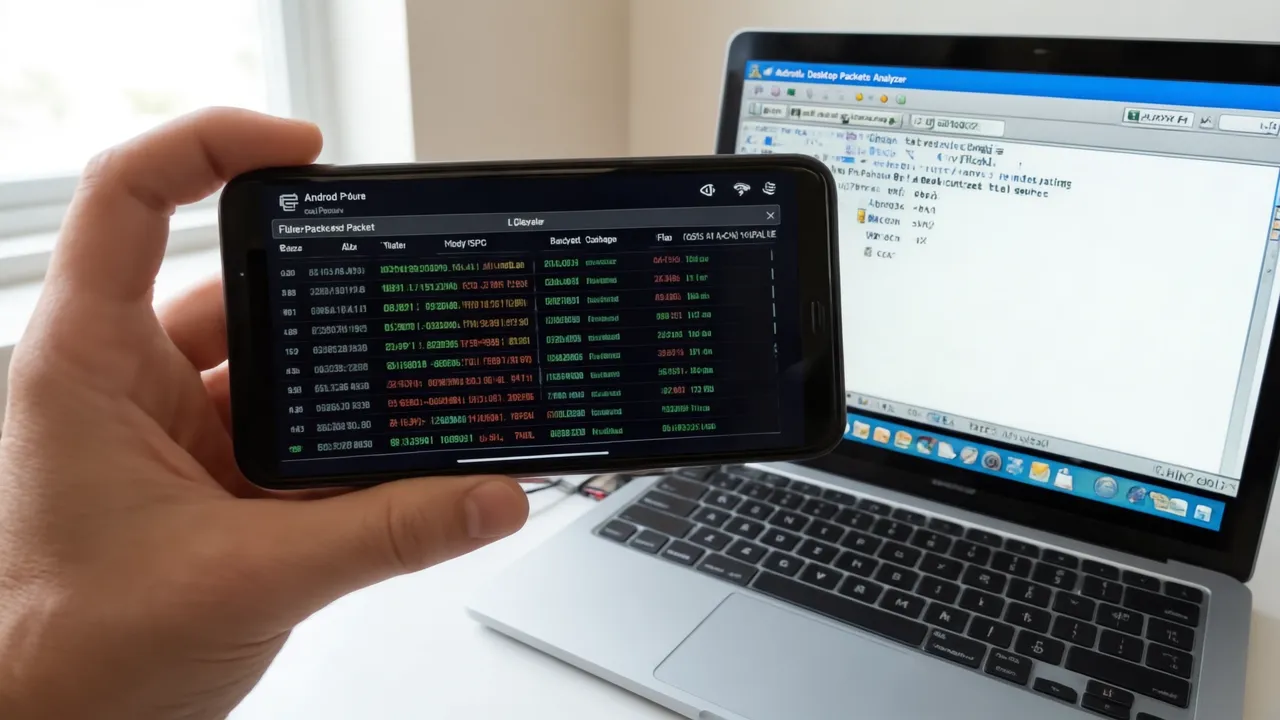
No Wireshark on Android? A Local Way to View Captures
A colleague sends you a pcap and asks you to take a look — but you're on Android, and the app store has nothing that looks like the Wireshark you use at work. So, is there a Wireshark for Android? This article answers that question head-on, compares the three realistic routes (remote desktop, cloud analysis, and a local offline app), and walks through how to open a capture on your phone and actually read it in a few steps.
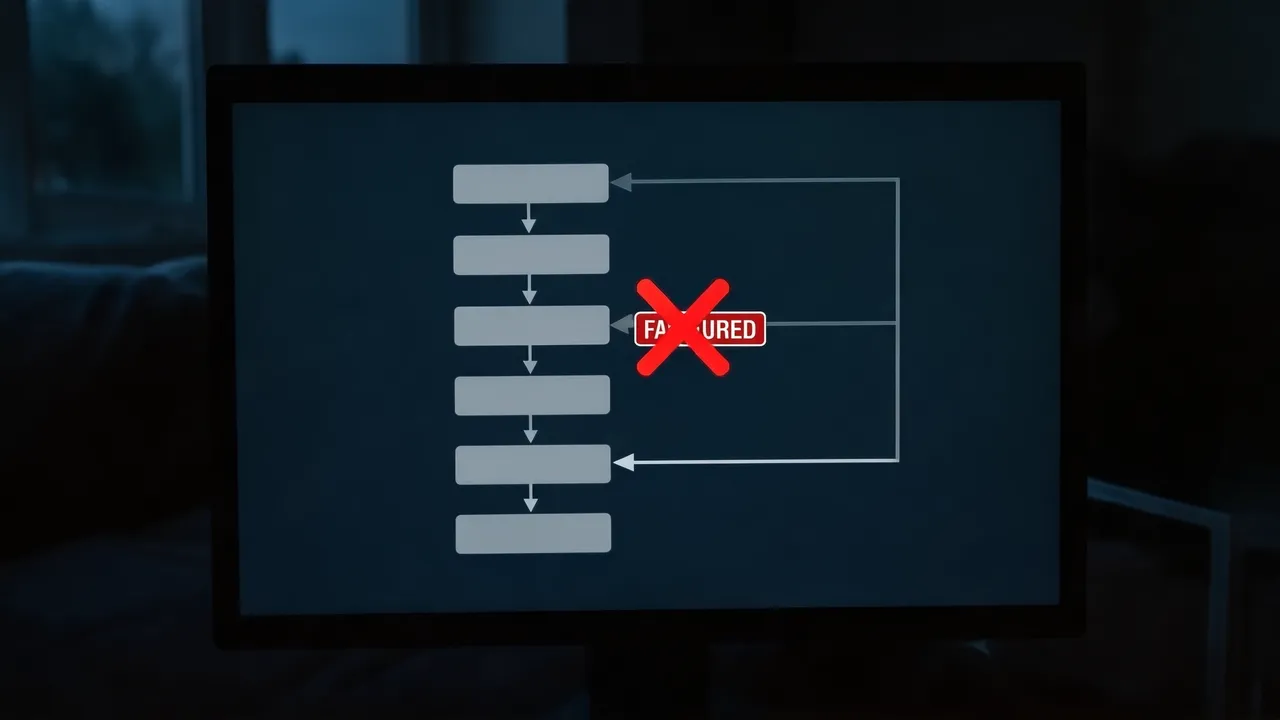
HTTPS Fails Intermittently: Pinpointing the TLS Handshake Step That Broke
A TLS connection failed error that appears only every few requests is an evidence problem, not a protocol problem. Starting from an offline capture, this guide filters TLS records, checks whether ClientHello and ServerHello pair up, locates alert records, and confirms the verdict with the TLS grade card and the TLS layer of the six-layer diagnosis.
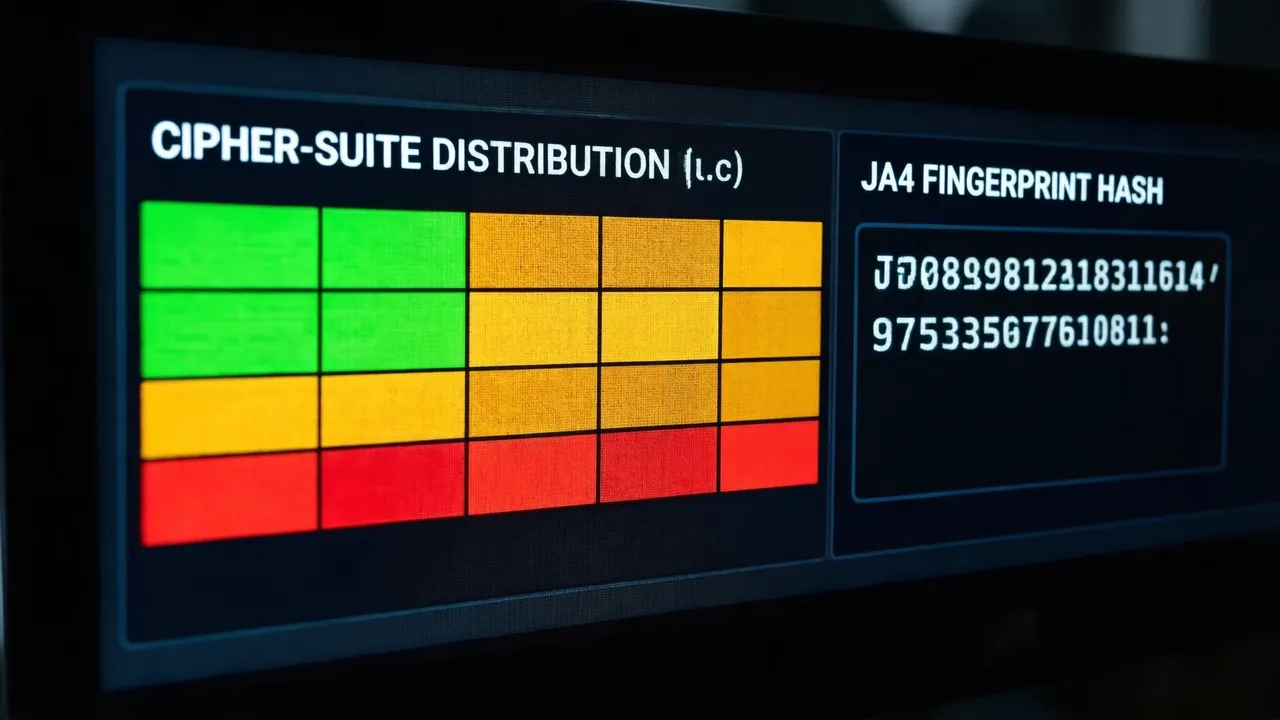
How Weak Is This TLS Setup? Reading Cipher-Suite Distribution and JA4 Fingerprints
Wondering whether a service's TLS cipher suites are out of date? You do not have to walk through handshakes one packet at a time. In PcapDecoder's stats page, open the TLS grade card: read the version and cipher-suite distribution, spot weak-suite red flags, then correlate JA4 fingerprints with SNI to see who is actually using the configuration. A few steps yield an assessment you can defend.
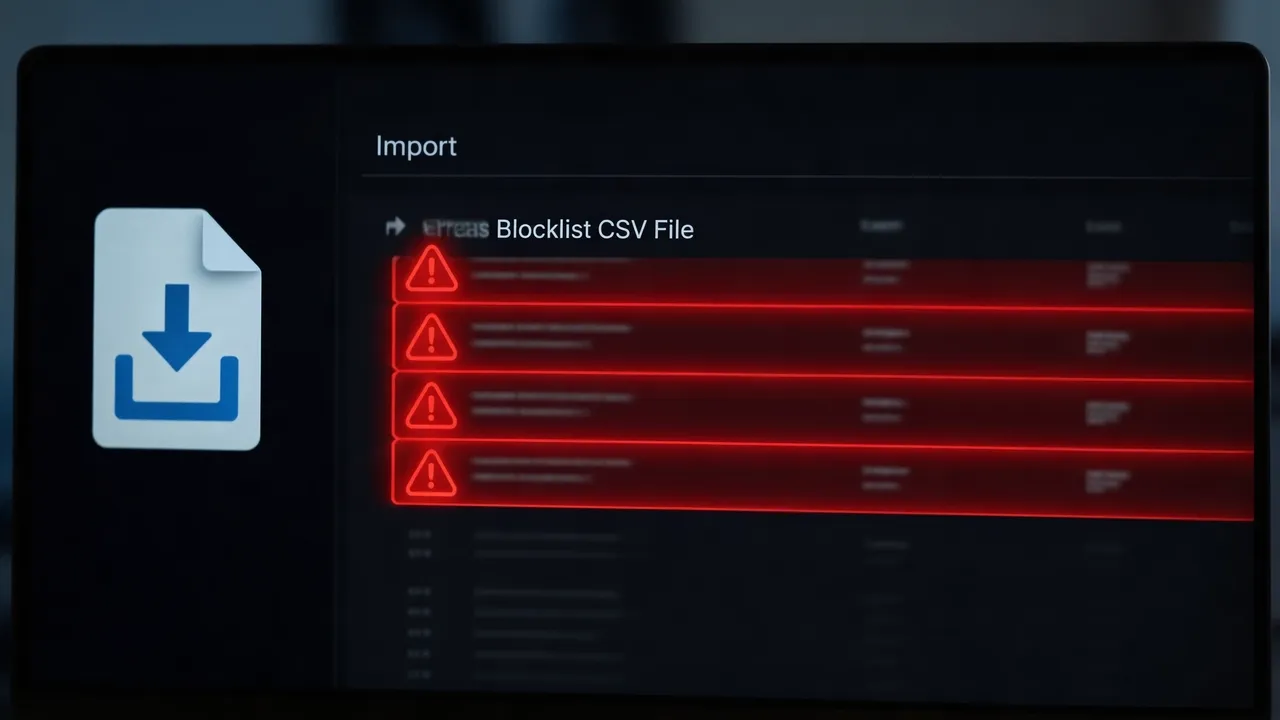
Import a Corporate Blocklist and Let Risky Connections Light Up
Your security team hands you an IP-and-domain blocklist and asks you to check it against a pile of saved captures. Here's a real handoff scenario: import the list in Settings, watch matching connections get flagged in the session list, and let the hits flow into threat analysis and reports automatically.
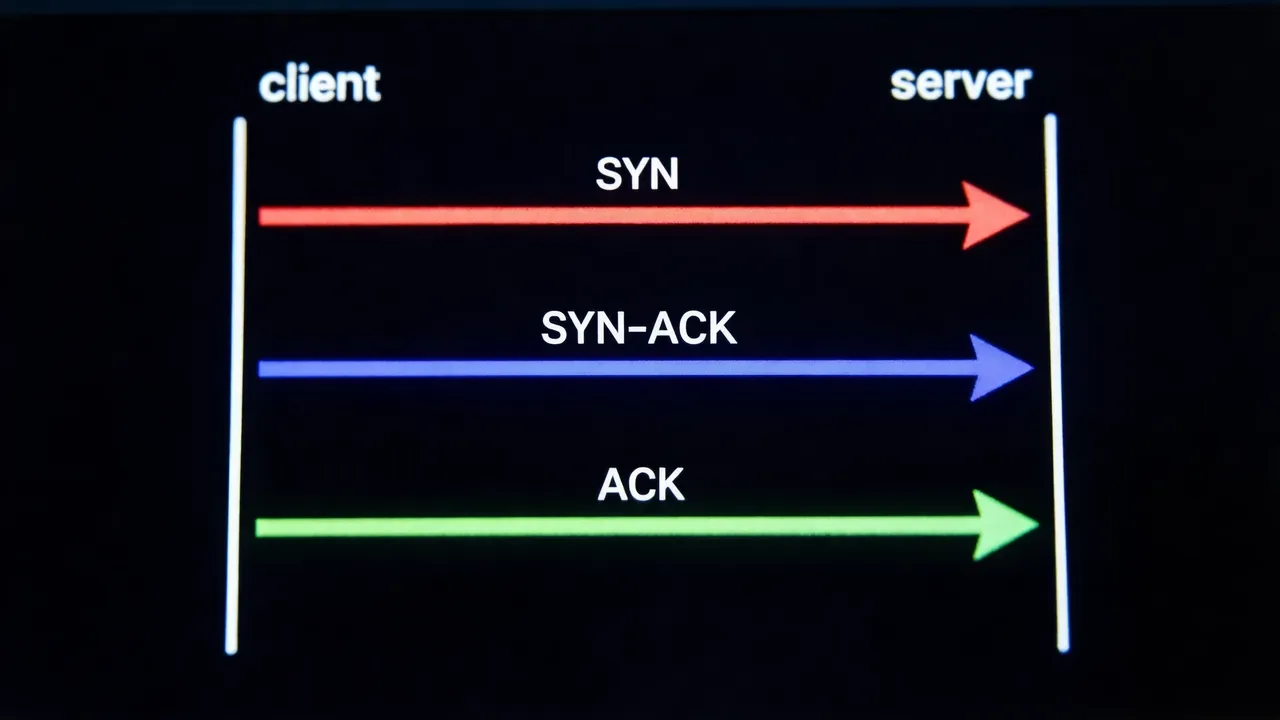
When a Connection Won't Open: Reading the TCP Three-Way Handshake in a Capture
A client that cannot reach your service is usually a layer-3 or layer-4 problem, not an application bug. Reading the TCP three-way handshake in a capture is the fastest way to find out. Open a saved pcap, switch to the sequence diagram in the flow detail, follow SYN, SYN-ACK and ACK to see which step stalls, then drop back to the raw packet to check the TCP flags.

From Evidence to Deliverable: One-Tap PDF Reports in the Report Workbench
Last night's incident has to reach the client this morning, but the evidence is spread across dozens of panels and manual write-up would take a day. This walkthrough shows how PcapDecoder's report workbench assembles the chapters for you and exports a professional PDF in one tap — with an honest account of what requires Pro.