
Wondering If a TLS Setup Is Out of Date?
You inherit a system, or you are auditing a fleet of services, and the question comes up: is the TLS configuration actually current? Are old protocol versions still enabled? Are ciphers like RC4 or 3DES still on the table? Is the client population so varied that it can never be tightened up?
Answering that packet by packet means expanding every ClientHello, counting suites, checking versions — a lot of work, and it tells you what happened in one handshake, not how strong the configuration is overall. This article is about the second question. It is a security assessment view, not a walkthrough of the handshake or of recovering plaintext.
Let the boundaries be clear. The step-by-step of a TLS handshake has its own article, "How to Analyze a TLS 1.3 Handshake"; recovering encrypted traffic into plaintext is covered in "How to Decrypt HTTPS Traffic". Here we look at one thing only: what the cipher-suite distribution, version distribution and fingerprint characteristics of a group of TLS connections say about how weak the setup is.
Every step below works on a pcap that is already open and parsed. It is offline analysis.
How the Grade Card Scores a Configuration
PcapDecoder distils "how strong is this setup" into one TLS grade card, producing an A/B/C/D grade with the deductions behind it. The score starts at 100 with a floor of 0. Points are deducted by dimension, and each dimension can be hit at most once — so a single problem cannot dominate the total. Grade cutoffs are A ≥ 90, B ≥ 75, C ≥ 60, D < 60.
The five deduction dimensions are worth memorising, because they explain the flags and conclusions you will see later:
- Version (up to −30): any flow with an effective version below TLS 1.2 costs 20 points; if such flows make up 100% of ClientHello flows, another 10 — the whole file is running antiques.
- Weak suites (−20): any weak-suite flow costs 20. The weak set is a heuristic from the engine, aligned with Wireshark's labelling: NULL, EXPORT, RC4, DES, 3DES, anonymous DH and similar.
- ECH (−5): ClientHellos present but no ECH (Encrypted Client Hello) flow costs 5. ECH is a plus; a fully observable SNI means that protection is missing.
- Certificates (up to −30): an error-level issue (expired, not-yet-valid, weak signature) costs 10; a self-signed server certificate costs 10; a chain validation that was attempted but did not fully pass costs another 10.
- QUIC share (−5): when QUIC flows reach half of ClientHello flows, deduct 5. QUIC itself carries TLS 1.3, but certificates are opaque and suites are visible only as the client's offered list, so coverage is discounted — hence a light reference item only.
This is a product-level judgement, not a certification against any industry standard. Its value is that every point traces back to a concrete reason — treat it as a check-up report, not a letter to trust blindly.
How-to: Open the Grade Card on the Stats Page
The card lives on the stats page. Work in three steps:
Step 1 — Open the pcap and go to the stats page. Once parsing completes, the stats page aggregates protocols, endpoints, conversations and security metrics. The grade card sits alongside the other TLS cards.
Step 2 — Find the TLS grade card. The card has a gate: it renders only when the capture contains TLS flows with a ClientHello, and otherwise shows nothing. If you do not see it, the capture has no TLS handshake to assess — check that you opened the right file.
Step 3 — Read in the order grade → distribution → flags → fingerprints. A circular badge at the top shows the grade letter and score. Below it come the deduction reasons, version-share bars, strong/weak suite bars, the ClientHello offered-suite top list, the JA4↔SNI table, and finally expandable per-flow detail (the first few flows are shown by default; expand for the rest). It all happens locally; nothing leaves the machine.
Cipher Distribution: What Clients Offered
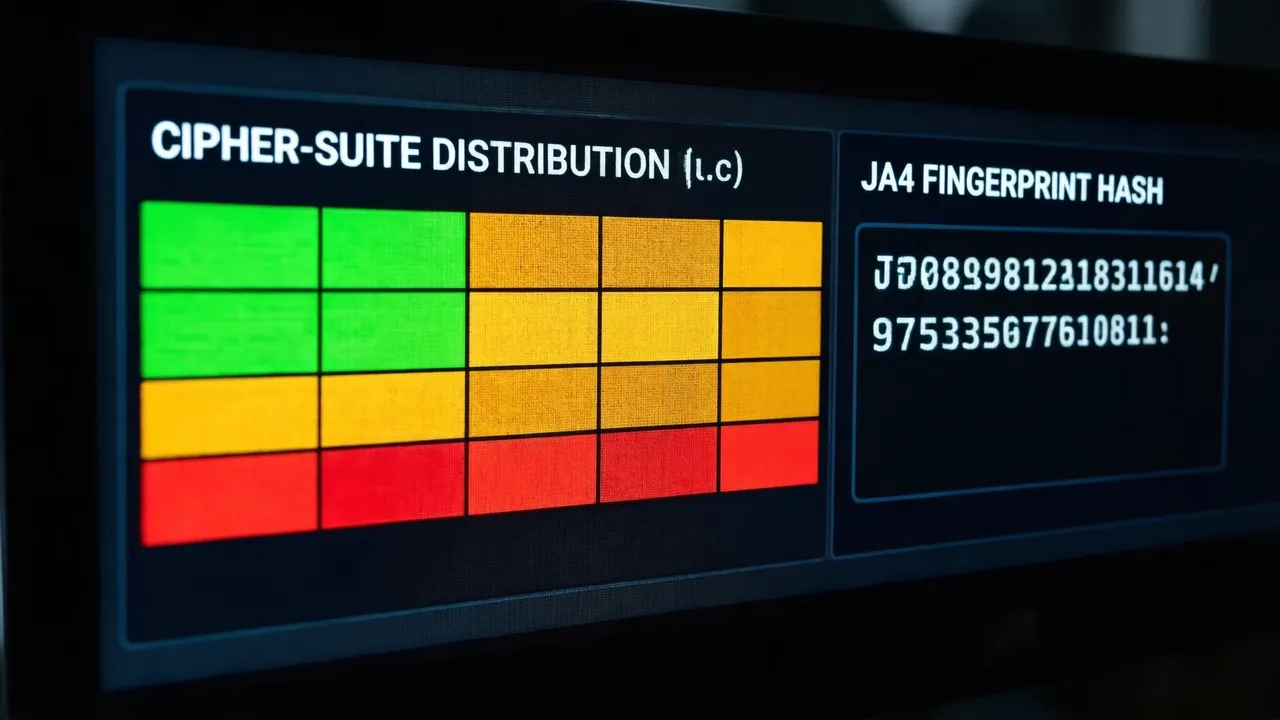
The card's "suite pool" list answers one question: which cipher suites did clients offer in their ClientHellos, and how often? State the implementation scope honestly — it aggregates suites offered in ClientHellos, with GREASE values removed; it is not the suite the server finally negotiated. Each suite ID is translated into a readable name (for example 0xC02F → ECDHE_RSA_AES128_GCM_SHA256); IDs not in the table keep their 0x form.
Why look at offered lists? Because they show what clients are willing to accept. A list heavy with CBC suites and RSA key exchange points to old devices or stale configurations in the client population; a clean set of ECDHE plus AEAD (GCM / ChaCha20-Poly1305) combinations suggests a healthier baseline. The list is sorted by frequency, so the dominant configuration is at the top.
Here is a conclusion you must not overreach: the offered distribution cannot tell you which suite the server actually selected — the negotiation result is not part of this report. The accurate statement is "which suites clients offered and in what proportion," not "which suites the server used." To confirm the final choice you have to go back to that specific handshake's ServerHello — the job of a packet-by-packet tool, covered in another article. Keep that scope straight and the assessment holds up.
Weak-Suite Flags and Version Distribution
Two signals beyond the suite list are easy to read at a glance.
The version-share bars group flows by effective version, sorted by count, showing how many flows each version has. A substantial share on TLS 1.0 / 1.1, together with the card's version deduction, is concrete evidence of outdated protocol use; all TLS 1.2 / 1.3 means this item is fine.
The strong/weak suite bar splits flows into "has weak suite" and "does not," with counts. Weak-suite detection uses the engine's heuristic set listed above — NULL, EXPORT, RC4, DES, 3DES, anonymous DH. In the expanded per-flow detail, a flow flagged as weak carries a red marker; the row also shows its SNI, version chip and the leading segment of its JA4, so you can pin the flag to a specific client and domain.
These flags and bars come from the scoring rules and heuristics — screening signals, not final verdicts. When a domain repeatedly trips the weak-suite flag, the right move is to verify its real configuration rather than copy the conclusion verbatim.
JA4↔SNI: Who Is Using This Configuration
The last table ties fingerprints to domains. It answers: which JA4 fingerprints appear most often, which SNIs each one shows up on, and across how many flows. JA4 is a TLS client fingerprint extracted from the ClientHello; the same kind of client — one browser, one library, one version of a sample — tends to produce the same JA4.
A few ways to use it. If weak suites cluster on one or two JA4s, you can tell which client family is dragging the baseline down — an old browser, or an SDK that was never upgraded. If an unfamiliar JA4 keeps connecting to your service while the SNI is a perfectly normal business domain, it is worth a closer look in case it is a disguised tool or script. Conversely, one JA4 spanning a long list of SNIs means a widely deployed general-purpose client.
JA4 values are shown in the accent colour; the SNI column shows up to three values before truncating, and the flow count gets its own column. Flows with no SNI get a placeholder — normal with QUIC or encrypted SNI, not an anomaly.
Read the grade, suite distribution, weak-suite flags and JA4↔SNI table together and you have an assessment you can explain: the overall grade, where the points went, what suites the client population offers, and where the weak configurations concentrate. Take that into your configuration work — raising protocol versions, retiring weak suites, unifying the client baseline — and it beats vaguely saying "the TLS setup looks a bit old."
Related reading: "How to Analyze a TLS 1.3 Handshake" covers a single handshake and "How to Decrypt HTTPS Traffic" covers recovering encrypted traffic; this article stays with the security-assessment angle of suite distribution and fingerprints.