
Why DNS Became an Exfiltration Channel
A not-so-cold fact: on the vast majority of networks, outbound policy is "strictly control HTTP/HTTPS, let DNS query freely." The reason is practical — DNS resolution is the bedrock of network availability; clamp down too hard and the whole business grinds to a halt.
So DNS became the best data exfiltration channel:
Normal query:  www.example.com                    →  A record
Tunnel exfil:  <base64-encoded data>.attacker.com  →  TXT record carries the data back
A single query can carry tens of bytes; a few thousand queries a day amounts to hundreds of KB — enough to exfiltrate credentials, keystrokes, and document fragments. More aggressive approaches (dnscat2, iodine) can even run a full shell over DNS.
The Four Detection Signals
Signal 1: Abnormally long, high-entropy subdomains
Normal domain queries have short, readable subdomains (www, api, cdn). To squeeze in data, tunnel traffic routinely uses 30-60 character subdomains — meaningless base32/base64-encoded strings that mix letters and digits at random, with entropy far higher than normal domains.
PcapDecoder's DGA detection is built on exactly this principle: it applies multi-rule scoring to a domain's consonant structure, digit ratio, and length distribution, so pseudo-word domains (such as sisouehnmnxxd.top, with its 8-consonant cluster) get flagged with high confidence.
Signal 2: Sudden spikes in query volume
A single host normally issues a few hundred DNS queries per hour. If one host's queries to the same parent domain reach dozens per minute, with a different subdomain every time — that is the tunnel "talking."
Signal 3: Consistently using unusual NS records
A tunnel needs an authoritative server under the attacker's control, so queries ultimately resolve to a fixed, suspicious NS record. If you find large volumes of queries pointing at an unfamiliar NS, look up its registration information directly.
Signal 4: Abnormally large TXT record responses
Normal TXT query responses are usually within a few hundred bytes. When a tunnel exfiltrates data, TXT responses can reach several KB — abnormal DNS record sizes are a strong signal too.
How-to: Detecting with PcapDecoder
Step 1: Open the file and review the DNS extraction. Once parsing completes, PcapDecoder automatically extracts all DNS query domains and sorts them by frequency. Normal traffic shows a "few high-frequency (CDN, ads) plus a long tail of one-offs" distribution; tunnel traffic shows "a single parent domain plus a sea of unique subdomains."
Step 2: Run the deep scan. One click triggers DGA scoring and DNS tunnel detection. Matched domains are ranked by confidence, and each hit carries the evidence packet number — you can jump straight to that packet and inspect the raw query.
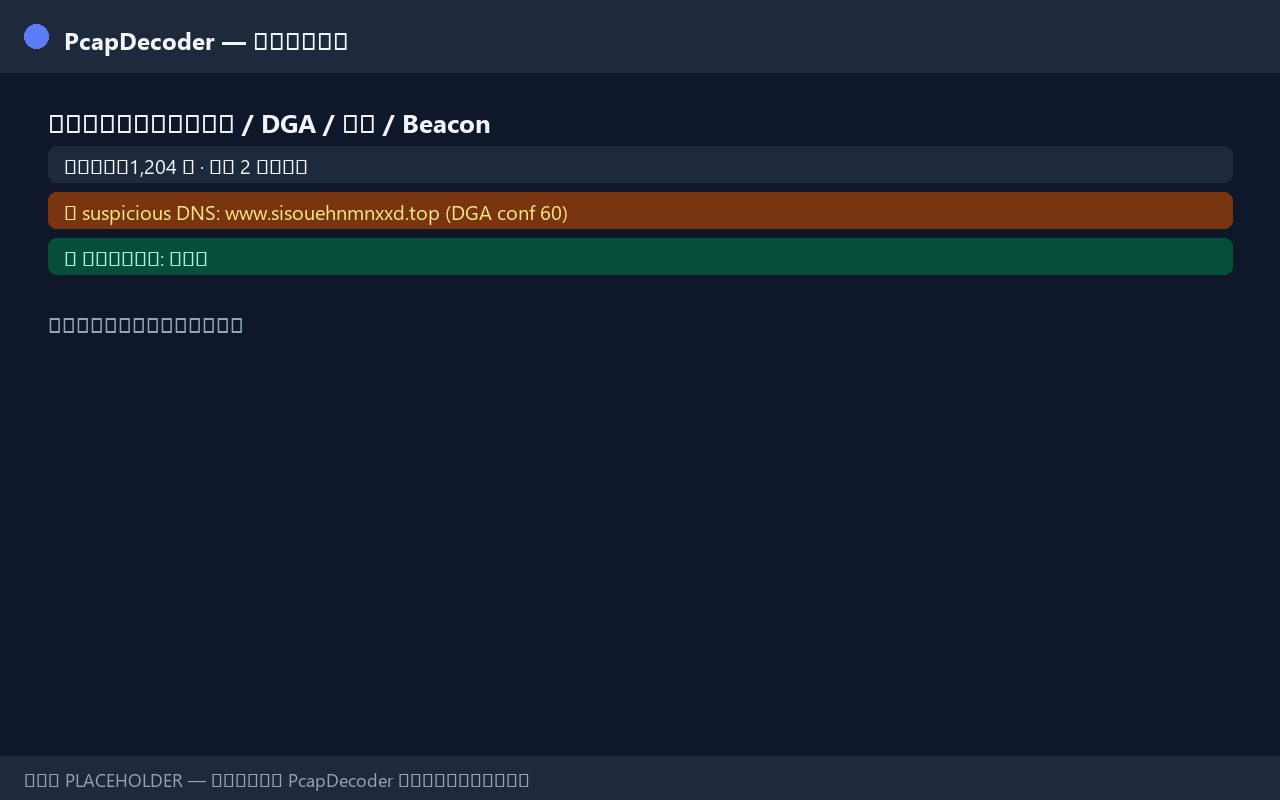
Step 3: Verify the verdict. Apply triple cross-validation to suspicious domains: subdomain entropy, query rhythm, and response size. If all three line up, you can basically rule out a false positive.
Step 4: Expand the investigation. Take the suspicious parent domain and NS into your firewall/DNS logs for a full-period search to determine the scope of compromised hosts.
Response and Hardening
- Isolate and investigate the compromised host: the other end of a DNS tunnel is usually a trojan already running on the host — focus on scheduled tasks, services, and startup entries;
- Control the DNS egress: internal DNS should only go through designated internal resolvers; direct queries to external DNS must be forbidden;
- Monitor parent domain concentration: configure alerts for the "one parent domain, a sea of subdomains" query pattern;
- Upgrade the protocol: DNS over HTTPS/TLS protects against eavesdropping but is useless against tunneling — the tunnel uses the queries themselves, not plaintext. Blocking is still required.
Related reading: "How to Detect Formbook's DGA Domains", "How to Identify Cobalt Strike Beacon Traffic".