

How Big Is the Risk?
The risk of plaintext credentials requires no "exploit" as a precondition. An attacker only needs to:
- Join the same LAN (office Wi-Fi, a conference room network jack, or one compromised internal host);
- Fire up a packet capture tool and filter for the target protocol;
- Wait and watch the passwords flow by.
ARP spoofing doesn't even require "joining" — the man-in-the-middle attack covered in ARP Spoofing Detection actively pulls others' traffic over to watch.
Worse still is credential reuse: the vast majority of people use the same password across different systems. A leaked plaintext login packet from one legacy system can mean email, VPN, and code repositories are all compromised.
High-Risk Protocol Inventory
Ranked by "likelihood of still being in use × damage":
| Protocol | Port | Risk pattern |
|---|---|---|
| HTTP | 80 | Form login POST, password= visible in plaintext |
| FTP | 21 | USER/PASS commands fully in plaintext |
| Telnet | 23 | Entire session in plaintext, including login and all operations |
| SMTP/POP3/IMAP | 25/110/143 | Plaintext AUTH or weak encoding (base64 is not encryption) |
| SNMP | 161 | Plaintext community string — equivalent to a read/write key |
| LDAP | 389 | Simple bind sends passwords in plaintext |
| MySQL/Redis etc. | 3306/6379 | No encryption or default configuration |
There is only one criterion: the authentication exchange happens before any encrypted channel is established.
How-to: An Internal Network Checkup
Step 1: Collect samples. Mirror traffic on the core switch covering a full workday; or collect targeted samples: have a test account log in to each system while capturing the entire session.
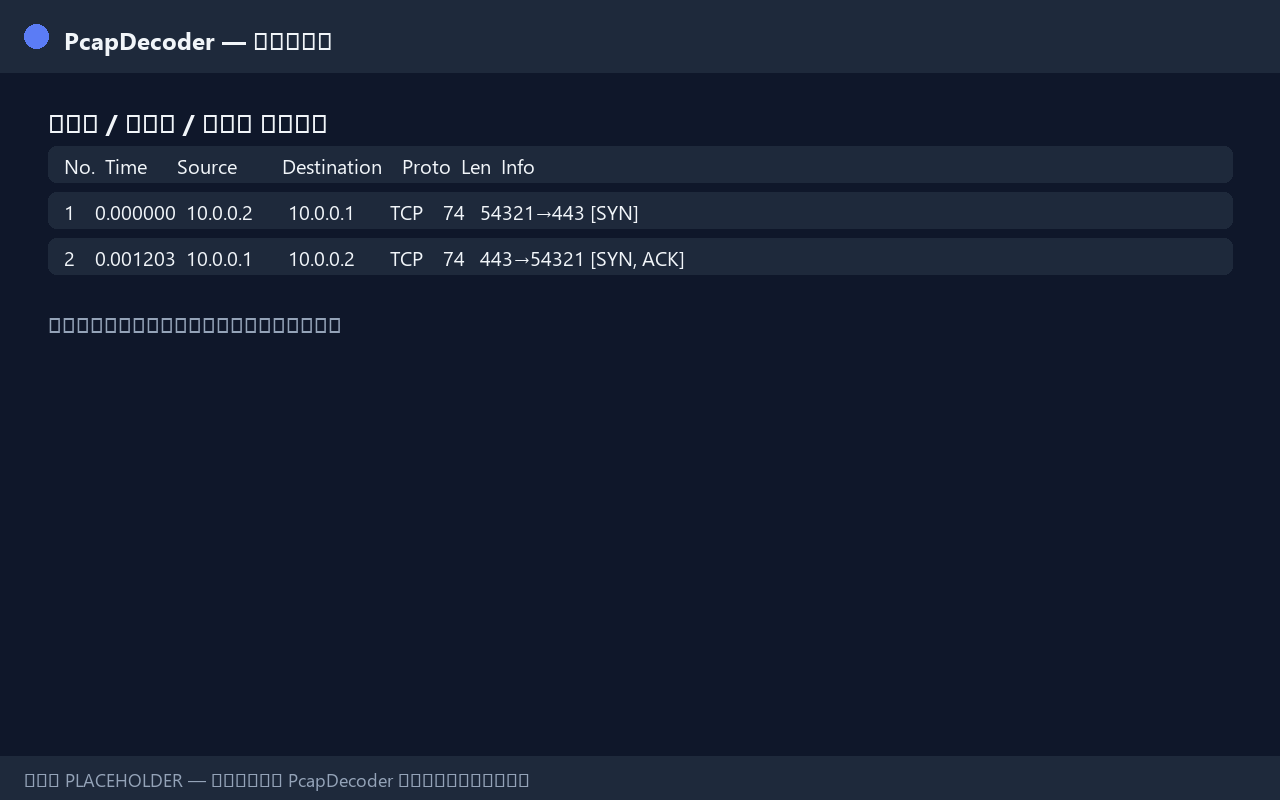
Step 2: Filter by protocol. Open the pcap and filter each high-risk protocol in turn. PcapDecoder's protocol statistics panel gives you the global distribution first — the HTTP/FTP/Telnet shares are visible at a glance.
Step 3: Extract authentication exchanges. Focus on:
POSTrequest bodies in HTTP (form logins, API submissions);USER xxx/PASS xxxsequences in FTP;- The first few packets of Telnet sessions (the login process);
- SNMP community strings (
public/privateare the worst offenders).
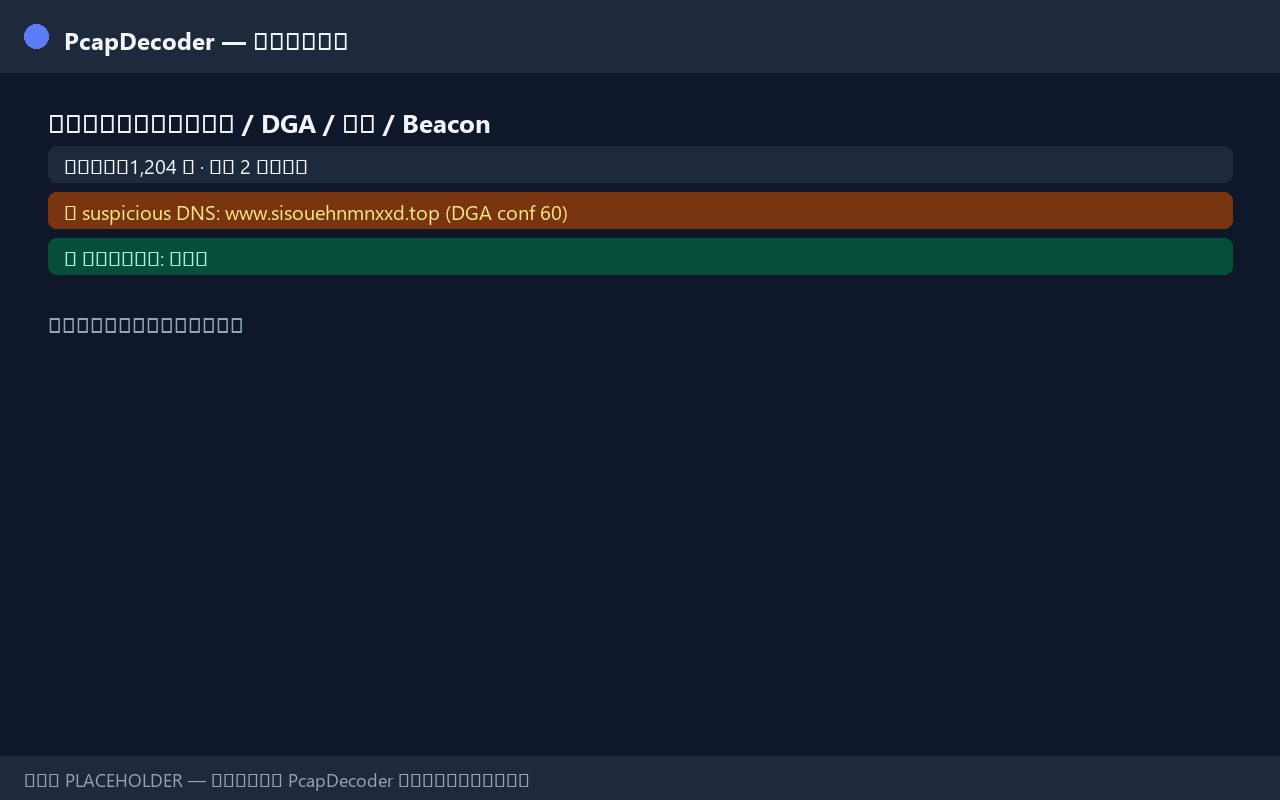
PcapDecoder's deep scan has built-in plaintext credential detection, automatically scanning for these patterns and pointing to the evidence packets — no need to dig through thousands of packets by hand.
Step 4: Cross-validate. Record every plaintext login you find: source IP, target system, account. Check against the test account's login times to confirm each finding is genuinely valid (and to avoid counting demo environments).
Step 5: Produce a report. Organize findings into a table by "system × protocol × accounts involved × daily traffic" — that is your remediation priority.
Remediation Roadmap
Ordered from lowest to highest cost:
- Switch protocols wherever possible: Telnet → SSH, HTTP → HTTPS, FTP → SFTP. Most systems just need a config change;
- Legacy systems with no encryption option: add a network-layer tunnel (IPSec VPN, dedicated line) so plaintext never leaves the security boundary;
- What can't be fixed in the short term: network-layer controls — restrict access to the system through jump hosts, with full session recording for audit;
- Add credential governance: enforce password rotation, eliminate cross-system reuse, and roll out MFA on critical systems — even if credentials leak, they're useless;
- Continuous monitoring: fold plaintext protocol detection into regular packet-capture health checks, and put every new system through this gate before it goes live.
A pragmatic reminder: don't aim for "encrypt everything at once." Start with the Top 3 high-risk systems from the report for the fastest wins; route long-tail legacy devices through tunnel solutions rather than forcing upgrades — a production outage costs far more than plaintext.
Related reading: ARP Spoofing Detection in Practice, What Is a pcap File.