
Two Kinds of Filters — Don't Mix Them Up
BPF (Berkeley Packet Filter): the capture-time filter used by tcpdump. It runs in kernel space, with simple syntax but limited capability (host, port, tcp, and the like).
Display Filter: the post-dissection filter used by Wireshark. It runs in user space and can filter on any protocol field (http.request.uri contains "admin", for example).
The difference in one sentence: BPF decides "what to capture"; display filters decide "what to view". This article focuses on display filters, with BPF equivalents noted alongside.
Five Categories of High-Frequency Expressions
1. By Address and Port
| Goal | Display filter | BPF equivalent |
|---|---|---|
| A specific IP | ip.addr == 10.0.0.5 | host 10.0.0.5 |
| Source/destination only | ip.src == 10.0.0.5 | src host 10.0.0.5 |
| A specific subnet | ip.addr matches "^10\.0\." | net 10.0.0.0/24 |
| A specific port | tcp.port == 443 | port 443 |
| Port range | tcp.port >= 8000 && tcp.port <= 9000 | portrange 8000-9000 |
| Exclude a port | !(tcp.port == 22) | not port 22 |
2. By Protocol
| Goal | Filter |
|---|---|
| A specific protocol only | dns / http / tls / quic / sip / rtp |
| Protocol variants | http.request / http.response |
| Protocol anomalies | icmp.type == 3 (destination unreachable) |
| Exclude background protocols | !(arp or dns or icmp) |
3. By TCP State (the Core of Troubleshooting)
| Goal | Filter |
|---|---|
| All retransmissions | tcp.analysis.retransmission |
| Duplicate ACKs | tcp.analysis.duplicate_ack |
| Out of order | tcp.analysis.out_of_order |
| Zero window | tcp.analysis.zero_window |
| Connection reset | tcp.flags.reset == 1 |
| Handshake only | tcp.flags.syn == 1 && tcp.flags.ack == 0 |
| Fast open | tcp.flags.syn == 1 && tcp.flags.ack == 1 |
4. By Content
| Goal | Filter |
|---|---|
| Keyword in a URL | http.request.uri contains "login" |
| Keyword in a domain name | dns.qry.name contains "evil" |
| Keyword in the SNI | tls.handshake.extensions_server_name contains "bank" |
| Password field in a form | http.request.method == "POST" && http contains "password" |
| Email body | smtp.req.parameter contains "@" |
5. By Size and Time
| Goal | Filter |
|---|---|
| Large packets | frame.len > 1400 |
| Small packets | frame.len < 100 |
| A specific time period | frame.time >= "2026-10-13 14:00:00" |
| Capture duration statistics | Statistics → I/O Graphs (menu item, not an expression) |
Logical Combinations and Practical Templates
Combination rules: and or not (or && || !) plus parentheses to control precedence.
Practical template library (copy and use):
# 1. All HTTPS connections for a host (the SNI tells you who it connected to)
ip.addr == 10.0.0.5 && tls.handshake.type == 1

# 2. Failed login POST requests (password errors are distinguished by the response code)
http.request.method == "POST" && http.response.code >= 400

# 3. Suspected DNS tunneling: queries with overly long subdomains
dns.qry.name matches ".{30,}"

# 4. Callback heartbeat from an IP (Beacon pre-filter)
ip.addr == 203.0.113.10 && frame.time_delta < 1

# 5. Cleartext password traffic
ftp.request.command == "PASS" || http contains "password="

# 6. Connected but no data (suspicious outbound)
tcp.flags.syn == 1 && tcp.flags.ack == 0 && ip.addr == 10.0.0.5
PcapDecoder's Zero-Syntax Filtering
Syntax is a tool, not the goal. PcapDecoder's design philosophy: everyday filters shouldn't require memorizing syntax.
Click-to-filter: in the dashboard, protocol cards, or conversation list, click any IP / domain / port / conversation to filter on it directly — one click equals writing an ip.addr == x.
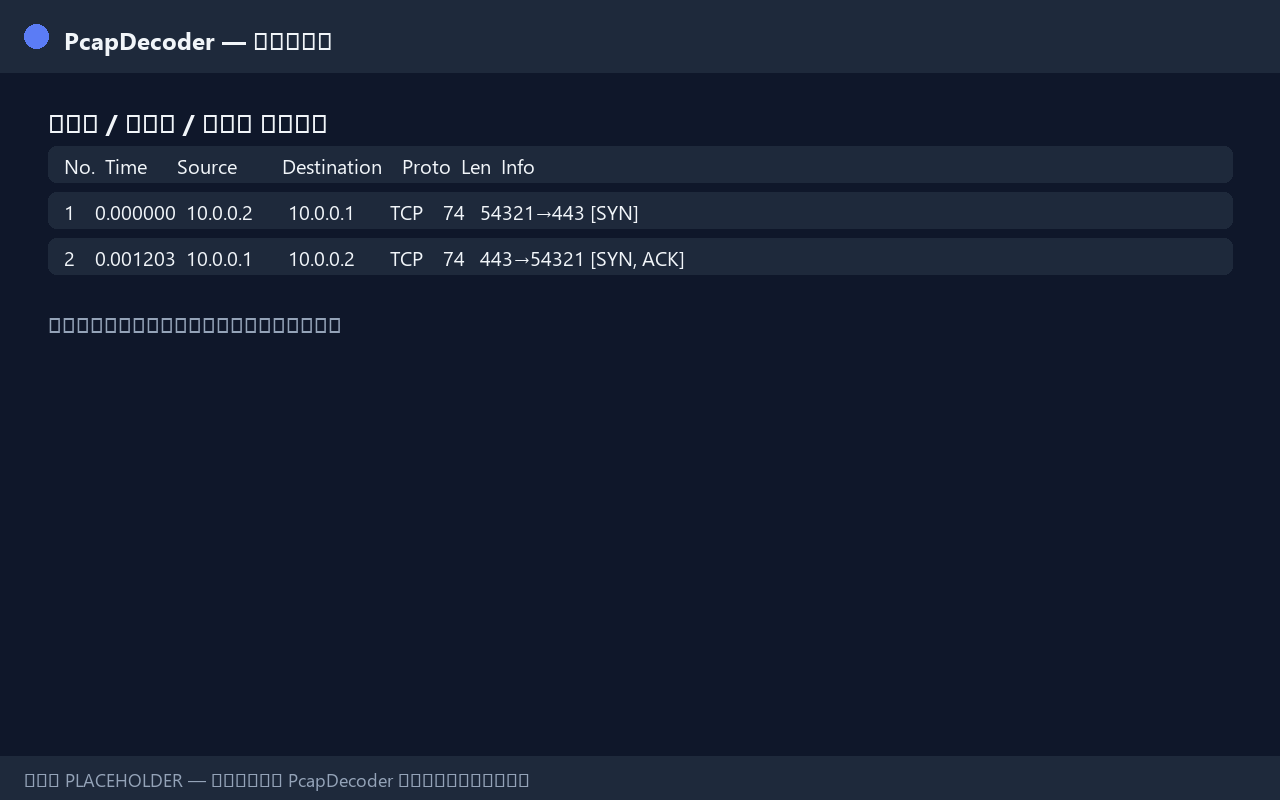
Protocol cards are filters: the DNS, HTTP, and TLS cards are themselves "all packets related to this protocol" — viewing a card is equivalent to completing a dns / http / tls filter.
Security conclusions are filters: suspicious items hit by the deep scan, or events on the attack timeline, jump straight to the corresponding evidence packets with one click — from "conclusion" to "evidence" in one step, while the reverse — sifting conclusions out of the full data set — is left to the engine.
When do you actually need syntax: when you genuinely have complex conditions ("host A's HTTPS connections to domain B after 3 PM"), PcapDecoder's filter bar also supports full expression input. But for 80% of everyday scenarios, clicking is enough.
Next up: VoIP Call Analysis: A How-to, or head back to What Is a PCAP File? to start from the beginning.