

A Bit of History
The pcap format was born in the early 1990s (the tcpdump 2.x era), designed to "simply record the bytes seen by the network card." It is simple enough that it became the "lingua franca" of packet capture — every tool supports it.
But as capture scenarios grew more complex, pcap's weaknesses were exposed:
- What about capturing on multiple NICs? One Ethernet card plus one Wi-Fi card capturing at the same time have different link types, yet a single pcap file can store only one;
- Nanosecond timestamps (which modern hardware capture cards can produce) don't fit;
- Want to annotate a capture ("this segment is attack traffic")? There is nowhere to put it.
So pcapng (pcap next generation, standardized around 2006) emerged, using an extensible "block" structure to solve all of these problems.
Structural Differences Compared
| Feature | pcap | pcapng |
|---|---|---|
| File structure | Global header (24 bytes) + fixed-length records | Chained blocks, each with a type and length |
| Link-layer type | One per file | Independently configured per interface (IDB block) |
| Multi-interface support | No | Yes — one file, multiple NICs' data |
| Timestamp precision | Microseconds | Nanoseconds |
| Metadata | No | Yes — interface descriptions, operating system, comment blocks |
| Packet comments | No | Yes — comments can be added per packet |
| Statistics | No | Yes — capture statistics block (ISB) |
| Extensibility | None | Block types are customizable, forward-compatible |
| Compatibility | Every tool | All mainstream tools support it; legacy tools may not |
Note a common misconception: pcapng is not a "better data format" — it is a "better container format." The packet bytes inside are identical; the difference sits at the metadata layer.
Opening Both Formats with PcapDecoder
Format issues should be transparent to users — that is exactly PcapDecoder's design goal: open a file and the format is detected automatically; you never need to think about the extension.
Step 1: Select the file. Tap a .pcap or .pcapng file on the home screen (multi-interface pcapng is supported too); parsing happens locally and the file is never uploaded.
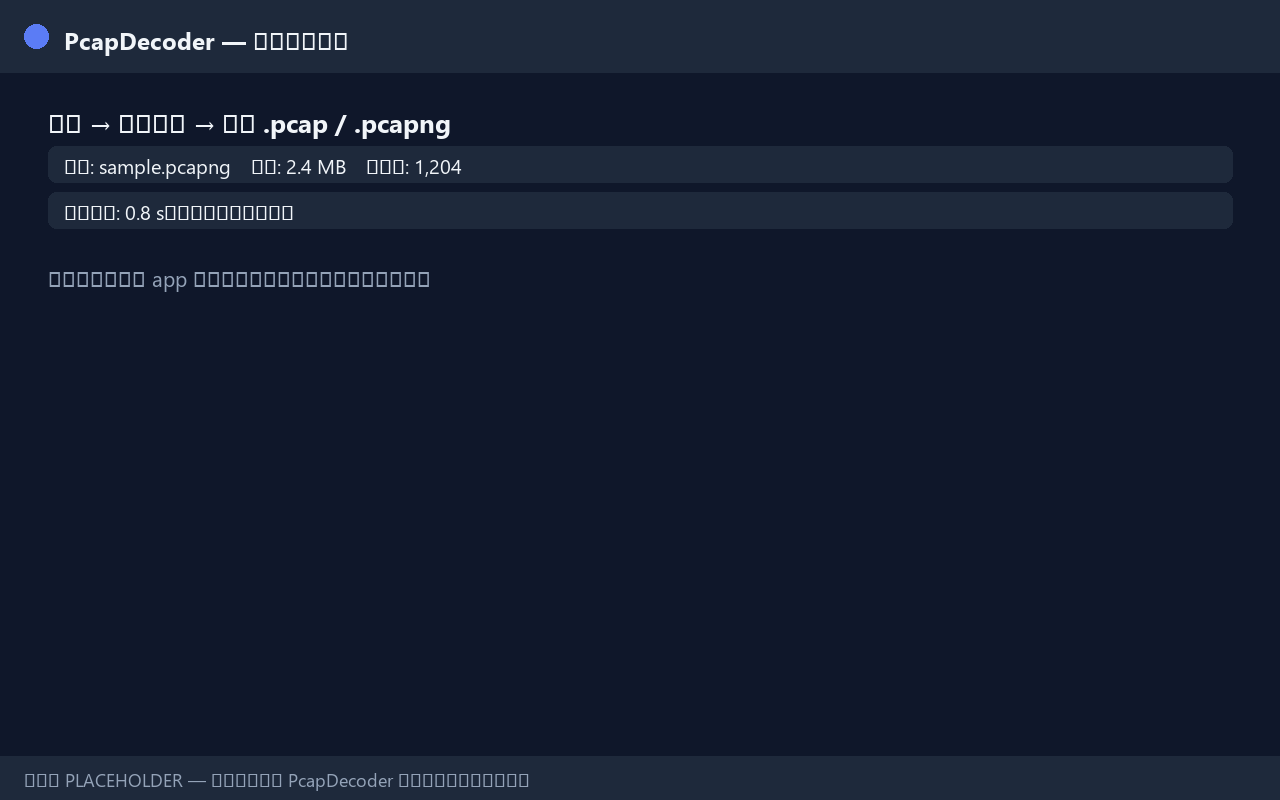
Step 2: Automatic link-type detection. PcapDecoder dispatches parsing by the link type in the file header: single-link classic pcap files and multi-interface pcapng files are each parsed according to their per-interface configuration — for example, a pcapng file where "interface 0 is Ethernet and interface 1 is Wi-Fi" has each interface's packets decoded with its own link type.
Step 3: Go straight to analysis. Whatever the source format, once parsing completes you get the same set of capabilities: protocol statistics, conversation list, deep scan, attack timeline. The format is just a container; the analysis experience is identical.
How format details affect analysis: pcapng's interface descriptions and comment blocks appear in the file info — when you receive a sample from someone else, check here first: who captured it, when, and which NICs' data it holds often says more about the background than the packets themselves.
A note for developers: if you are writing your own parser, support pcapng before pcap — new tools now output pcapng by default, and a pcap-only parser will miss a large share of new samples. Our pcap engine fully supports both formats, including pcapng's multi-interface files.
How to Choose
Choose pcapng if:
- You captured with a recent version of Wireshark/tcpdump (pcapng is now the default);
- You captured on multiple NICs simultaneously (Wi-Fi + Ethernet, multiple mirror ports);
- You need to annotate samples or preserve interface information for archiving;
- You are sharing with a team and want the recipient to see the full context.
Choose pcap if:
- You need to feed legacy tools or a custom parser (classic format only);
- You are submitting a vulnerability report to a vendor/platform (their systems often accept only .pcap);
- You want a maximally simple structure (for example, writing a parser as practice);
- You are archiving a sample library long-term and prioritize compatibility.
Format Conversion
When you need to convert between them (use Wireshark/tshark to keep metadata, editcap when you only need the data):
# pcapng → pcap (Wireshark GUI: choose the format when using Save As)
tshark -F pcap -r input.pcapng -w output.pcap

# pcap → pcapng
tshark -F pcapng -r input.pcap -w output.pcapng

# Split a multi-interface pcapng into single-interface pcap (editcap)
editcap input.pcapng -F pcap output.pcap
Note: pcapng → pcap loses metadata and the multi-interface structure (pcap cannot store them); when converting a multi-interface file, only the first interface is kept by default — decide which interface you need before converting.
Related reading: What Is a PCAP File? A Beginner's Guide.